Not Just a CNC Router—This is an AI-Powered Production Solution


Cut Ready Cut Center

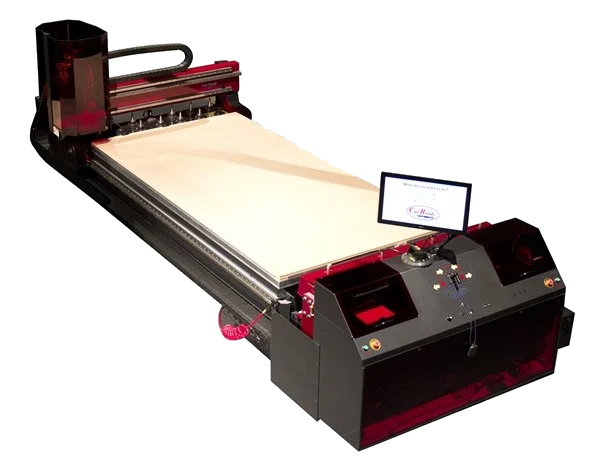
You have the power to create anything, with zero programming required.   Thermwood’s Cut Center is a proven AI-powered cabinetmaking solution for all woodworking shops.

Thermwood Cut Ready Cut Center

What Makes it Different?

✅ No CNC Experience Needed
✅ Fully AI-driven operation
✅ Design ANY cabinet—no template or library limits
✅ Automatic nesting, labeling, and assembly guidance
✅ It’s That Easy!

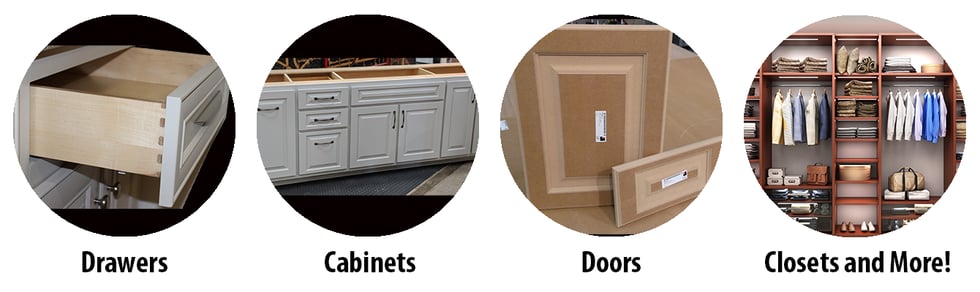
From cabinets and closets to moldings and stair stringers, the Cut Center handles everything: design, nesting, cutting, labeling, and even guided assembly. It’s designed to deliver exactly what you want—every time

Ready to Build Smarter? 

Cut Center Info Request 

 Why More Shops Are Switching to the Cut Center: 
Why More Shops Are Switching to the Cut Center: 

✅ Total Customization – Design what you need, not what a library limits you to
✅ No Programming Required – Just input your specs and let the advanced AI handle everything, no coding required.
✅ No Experience Required – Anyone can run it with ease.

✅ Less Waste, More Profit – Reduce waste, save time, and increase profit with advanced AI nesting and optimization.


Built for Woodworkers. Powered by AI. 
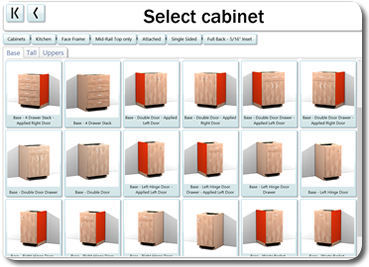
Built for Woodworkers. Powered by AI. 

Traditional CNC systems can be complex and intimidating. The Cut Center simplifies it all—bringing automation, customization, and ease to your shop without the usual tech headaches. 

Real Shops. Real Results.
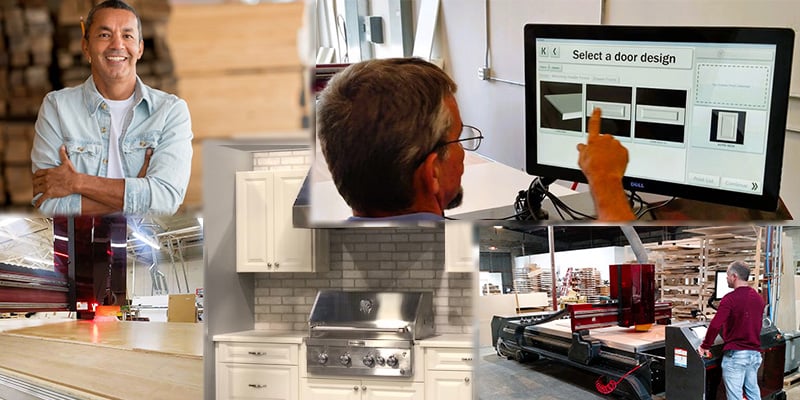
real shops real results cut center 2025

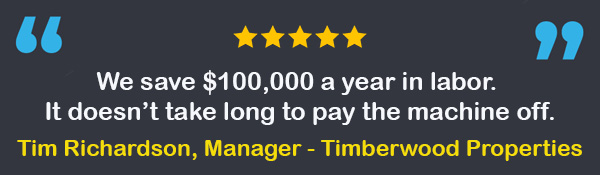
Timberwood Industries saves $100,000 per year by using their Thermwood Cut Center
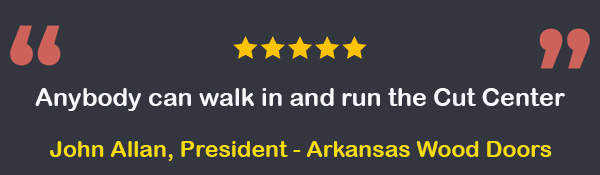
John Allan of Arkansas Wood Doors appreciates how easy the Thermwood Cut Center is to use.

Power Your Cut Center From Anywhere:
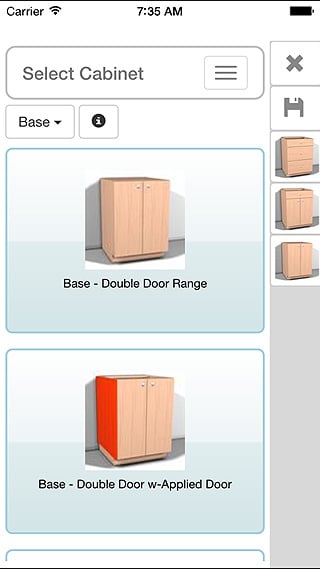
Power Your Cut Center from Anywhere with the Cut Ready Mobile App

Remotely manage your Thermwood Cut Center with the Cut Ready Mobile App. Browse products, create or edit jobs, and send them to the machine—all without interrupting production.

Key Features:

  • Secure login

  • Intuitive item selection via step-by-step prompts

  • Edit sizes and quantities

  • View detailed assembly documents

  • Create jobs with cabinets, doors, drawers, and furniture

  • Submit jobs to the cloud for immediate access at the Cut Center

Take flexibility to the next level—anytime, anywhere.
See It in Action:

Want to see the Cut Center in real-world use?
Watch this quick video with Jody Wilmes, Thermwood’s Cut Ready Product Manager, to explore:

  • What sets the Cut Center apart
  • How it compares to traditional CNC routers
  • Why it delivers better performance and value


Cut Center Info Request


Cut Center Advantages

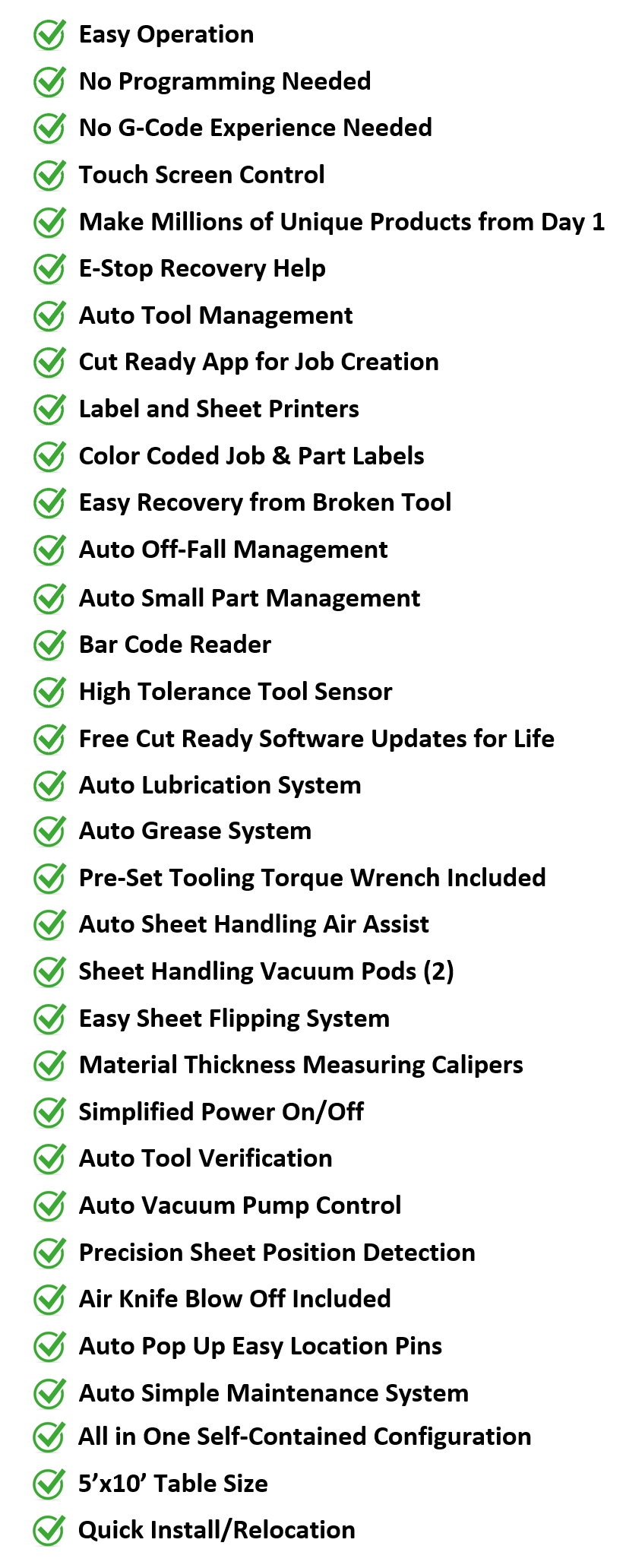
Make millions of unique products from Day 1

advantages_cut_center3-fw
Cut Center Info Request

What is the Difference Between a Cut Center and a CNC Router?

An in-depth look at what it takes to successfully operate each machine, and lists some of the additional expenses and things to consider when shopping for an automated solution for your application.  

Tour the Cut Ready Cut Center

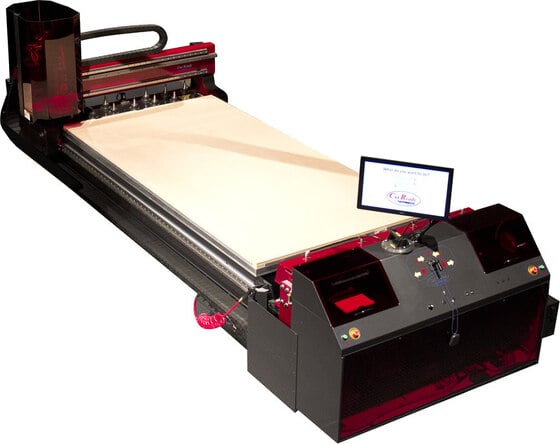
Take a walk-around tour of the Cut Ready Cut Center to learn more about the different aspects of this powerful machine and how every component has been designed to help make it easy to operate and maintain.


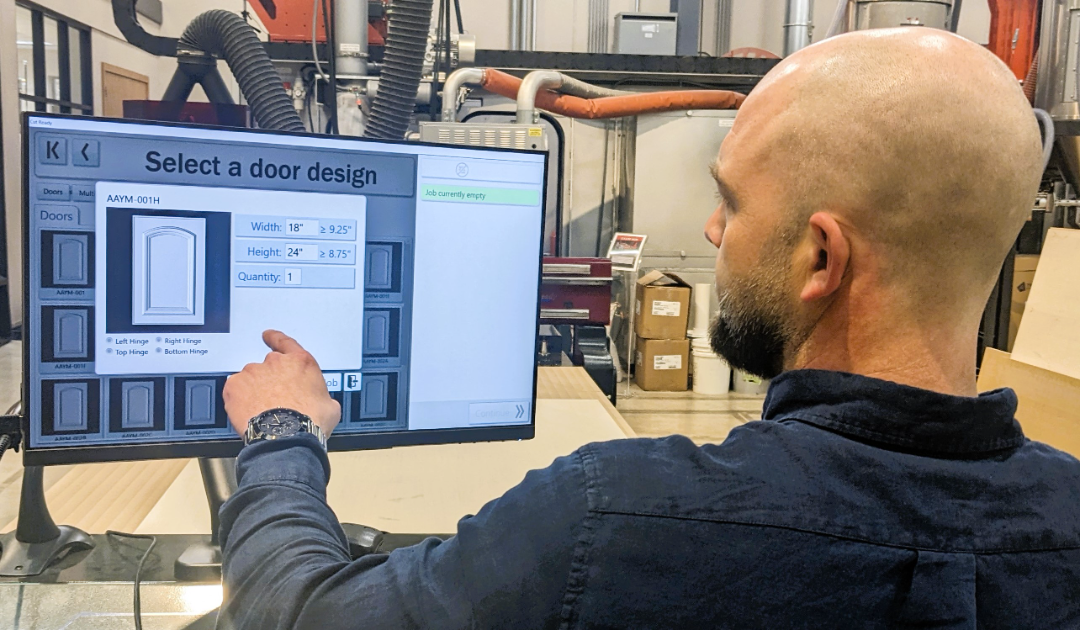
Design a Cabinet and Add it to the Job in Cut Ready

Learn how quick and easy it is to design and customize a cabinet in Cut Ready. Just select what you want and Cut Ready will make it!

Walk through the process of designing a cabinet, modifying its parameters (size, material, etc), and then adding it to the job.

Cut Out a Cabinet Job

In this video, we will machine the cabinet job that we created last time.  See how the software tells you what to do, even if you run into a problem...like breaking a tool.


Explore Cut Ready's Leveling Feature
Quickly and easily re-surface a workbench top.  This feature can be used on live-edge slabs, cutting boards and much more.


Learn About Cut Ready's Combination Cabinets Feature

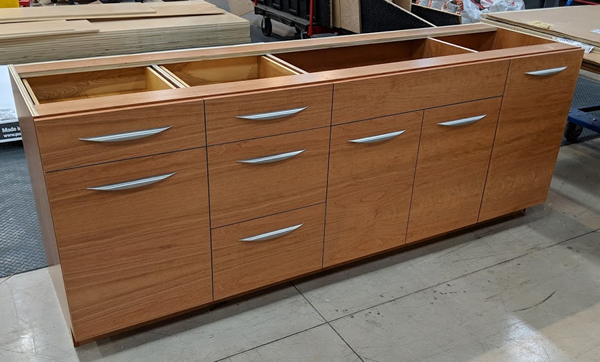
Cut Ready's Combination Cabinets feature allows you to easily create a large bank of connected cabinets with multiple sections.


REQUEST MORE INFORMATION ON THE CUT CENTER



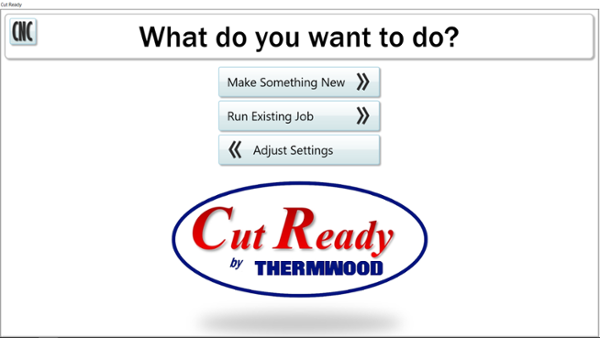
cut_ready_logo_sm

cut_center_600_w_transparent_background.fw

Cut Ready Screen-1

comb_cabinets_2.fw